
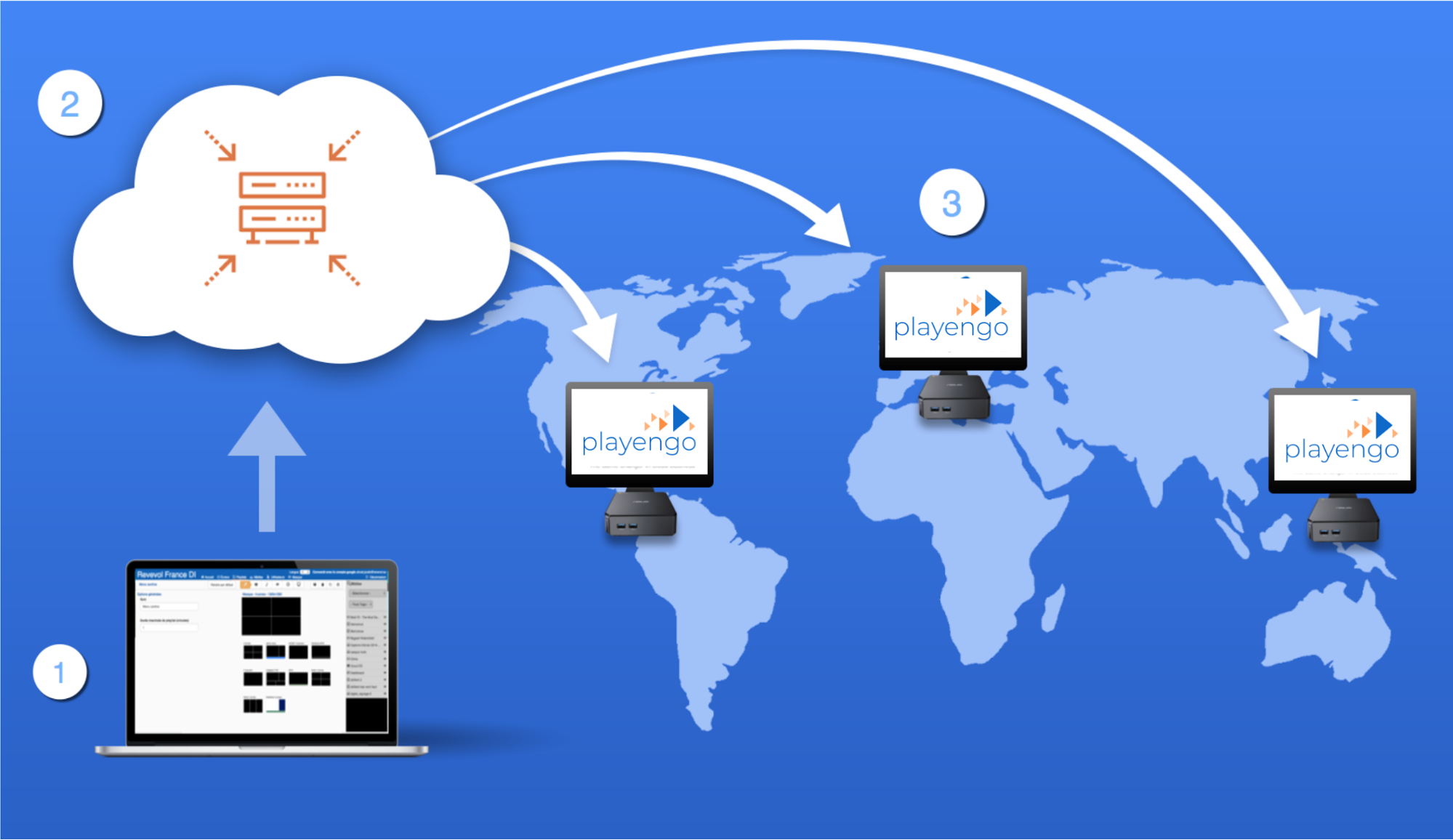
Playengo is a web app that lets you manage digital signage in your organization, so the right people get the right information at the right time.
With Playengo, you can:
- create content (assets)
- organize your content in playlists
- deploy your playlists centrally or locally to screens within your organization
What is digital signage?
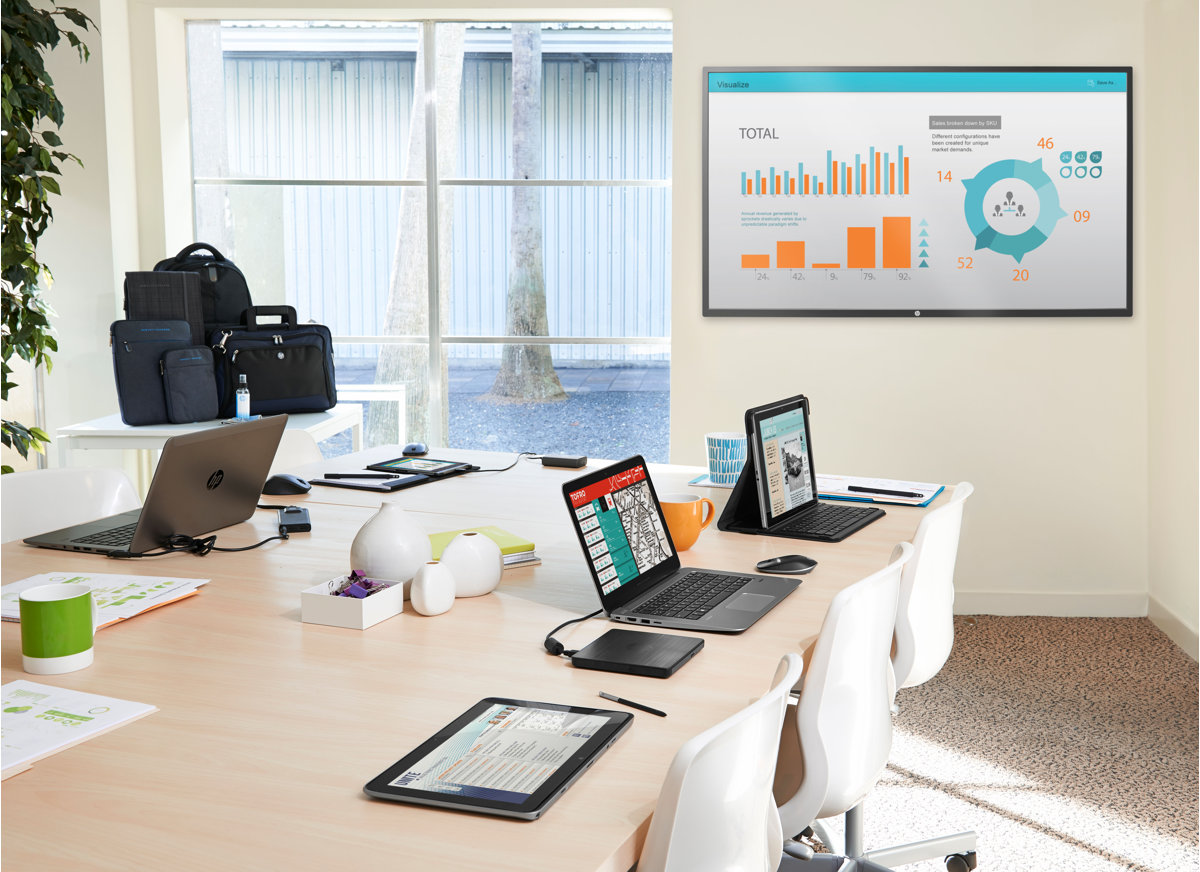
Digital signage has always been used for advertising in public spaces, but now it is also used to share information in organizations such as schools, restaurants and offices.
Digital signage consists of displaying...
- ...any type of content, such as images, videos, web pages, slides, weather data, time, stocks, twitter feeds and Workplace posts
 |
 |
 |
 |
 |
 |
 |
 |
 |
 |
 |
 |
 |
 |
- ...on any kind of screen, such as TV screens, videowalls, projectors and tablets

Why is digital signage useful?
Whether walking down the street, shopping in a store or working in a coffee shop, we’ve become used to viewing multiple screens simultaneously and picking out the information that’s important and relevant to us.
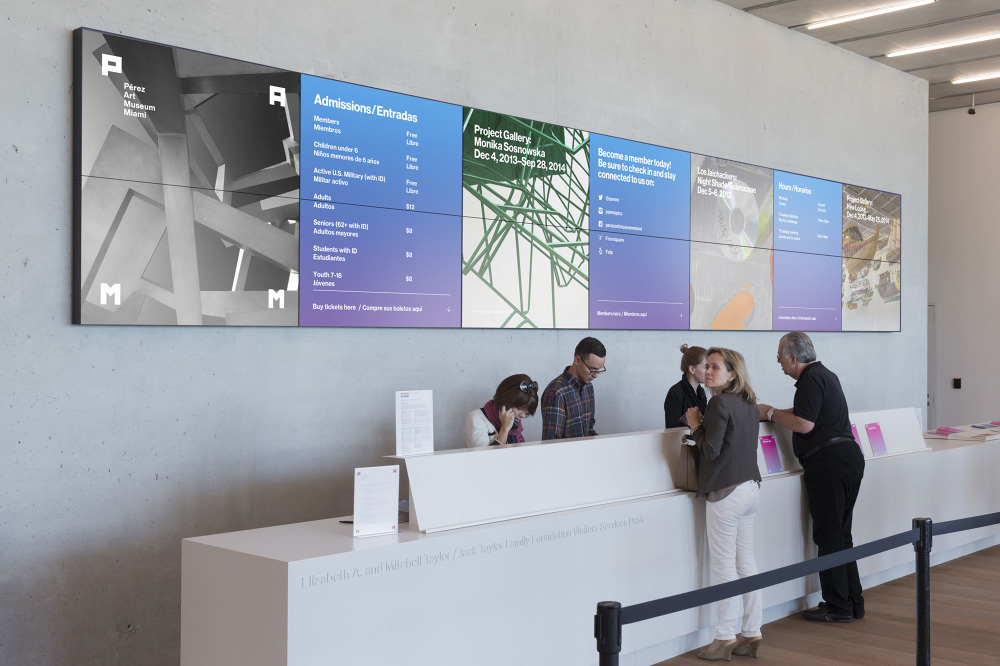
Digital signage is used to share information in a wide variety of locations.
Use it in retail, to:
- advertise products
- scale promotions or updates

Use it in corporate communications, to:
- enhance your company image
- demonstrate your modern and digital mindset
- impress visitors
Use it in internal communications, to:
- communicate with employees and enhance engagement
- share events, activities and teams’ best practices
- welcome newcomers

Use it in visual management, to:
- provide real-time notices and information for safety campaigns and production dashboards
- monitor performance of KPIs
 |
 |
What do I need to use Playengo?
To use Playengo, you need:
- a smart Android TV or a regular TV paired with a media player
- a PC where you can upload content using Playengo
- content (images, video, powerpoints etc.) that you want to share or widgets such as a Twitter, Workplace, Lumapps, RSS feed, etc.
You can access Playengo with your:
- Google account
- Microsoft account
- custom Playengo account (login and password)
What's next?
Start using Playengo with our Getting Started articles: Sign in to Playengo and set up a player
Comments
0 comments
Please sign in to leave a comment.