
0
This article explains how to access the Playengo console and sign in. You need to do this so you can register a player.
1. Open cloud.playengo.com in a new browser tab.
2. Sign in to Playengo. You can use your:
- Google account
- Microsoft account
- custom account (login and password)
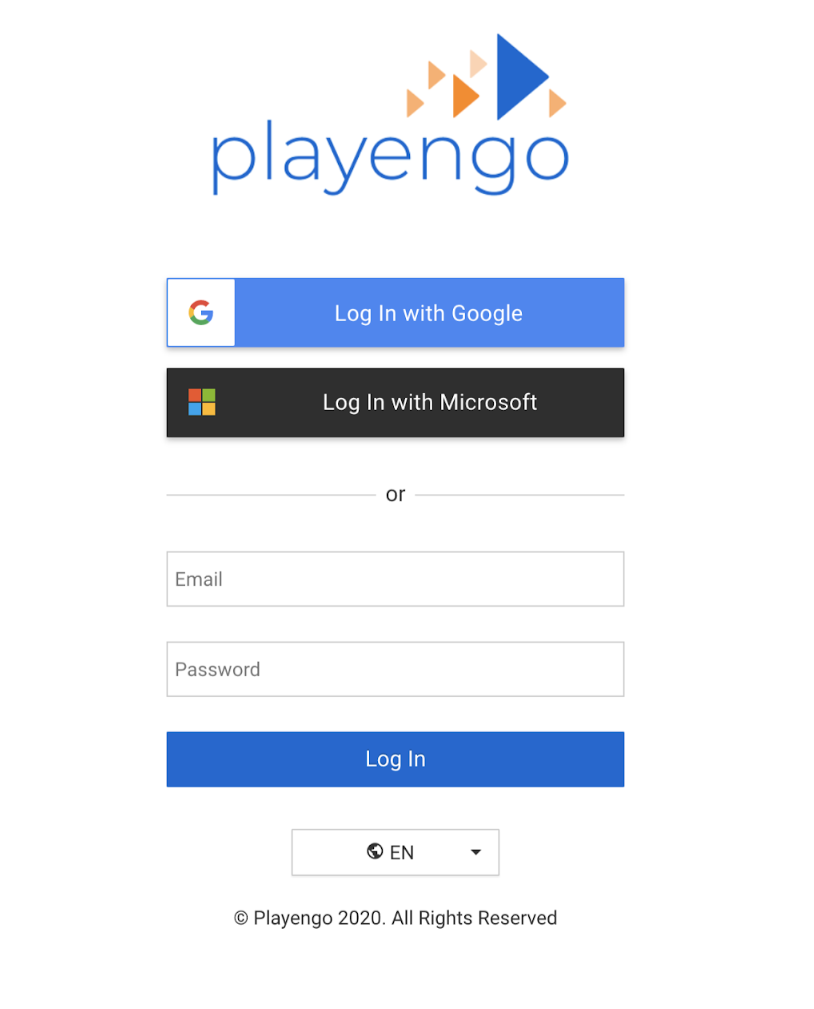
The following screen opens.
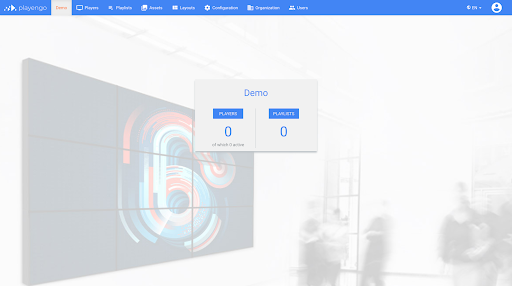
That's it! it's as easy as that to access the Playengo console!
In the next article, you will learn how install a player. Alternatively, you can configure a player if you already have hardware installed. You'll then be able to register a player in the Playengo console!
Comments
0 comments
Please sign in to leave a comment.